 Sevlay
Free Client Onboarding Checklist Template
Collect contacts, logins, files and working preferences from every new client before kickoff, so the project starts on time.
Free Word template · 6 sections · Built for agencies
Free to use with every client. Opens in Word, Google Docs and Pages, with space for your logo.
Use this template in Sevlay instead.
Send it as one link your client fills in. Free for 14 days, no credit card required.
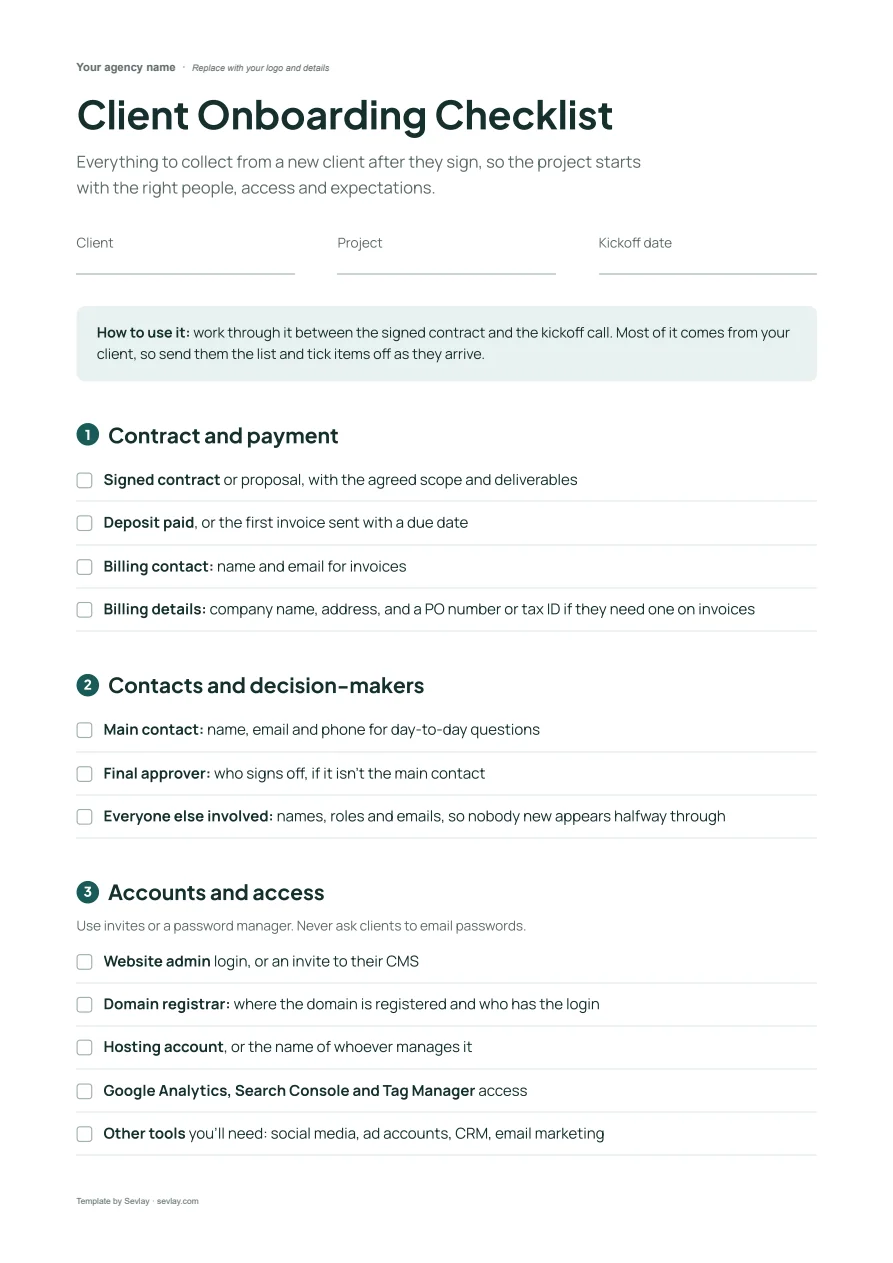
This client onboarding checklist includes sections for:
- Contract and payment
- Contacts and decision-makers
- Accounts and access
- Files and brand assets
- Communication and kickoff
Stop losing the first two weeks to admin.
The contract is signed and everyone's excited. Then the first two weeks go on chasing logins, finding out who approves what and waiting for logo files.
This checklist covers everything to collect between the signature and the kickoff call: contacts, billing, access, brand files and how your client wants to work.
Download it and use it with your next new client.
What's on the client onboarding checklist
Everything to collect from a new client after they sign, so the project starts with the right people, access and expectations.
Contract and payment
- Signed contract or proposal, with the agreed scope and deliverables
- Deposit paid, or the first invoice sent with a due date
- Billing contact: name and email for invoices
- Billing details: company name, address, and a PO number or tax ID if they need one on invoices
Contacts and decision-makers
- Main contact: name, email and phone for day-to-day questions
- Final approver: who signs off, if it isn't the main contact
- Everyone else involved: names, roles and emails, so nobody new appears halfway through
Accounts and access
Use invites or a password manager. Never ask clients to email passwords.
- Website admin login, or an invite to their CMS
- Domain registrar: where the domain is registered and who has the login
- Hosting account, or the name of whoever manages it
- Google Analytics, Search Console and Tag Manager access
- Other tools you'll need: social media, ad accounts, CRM, email marketing
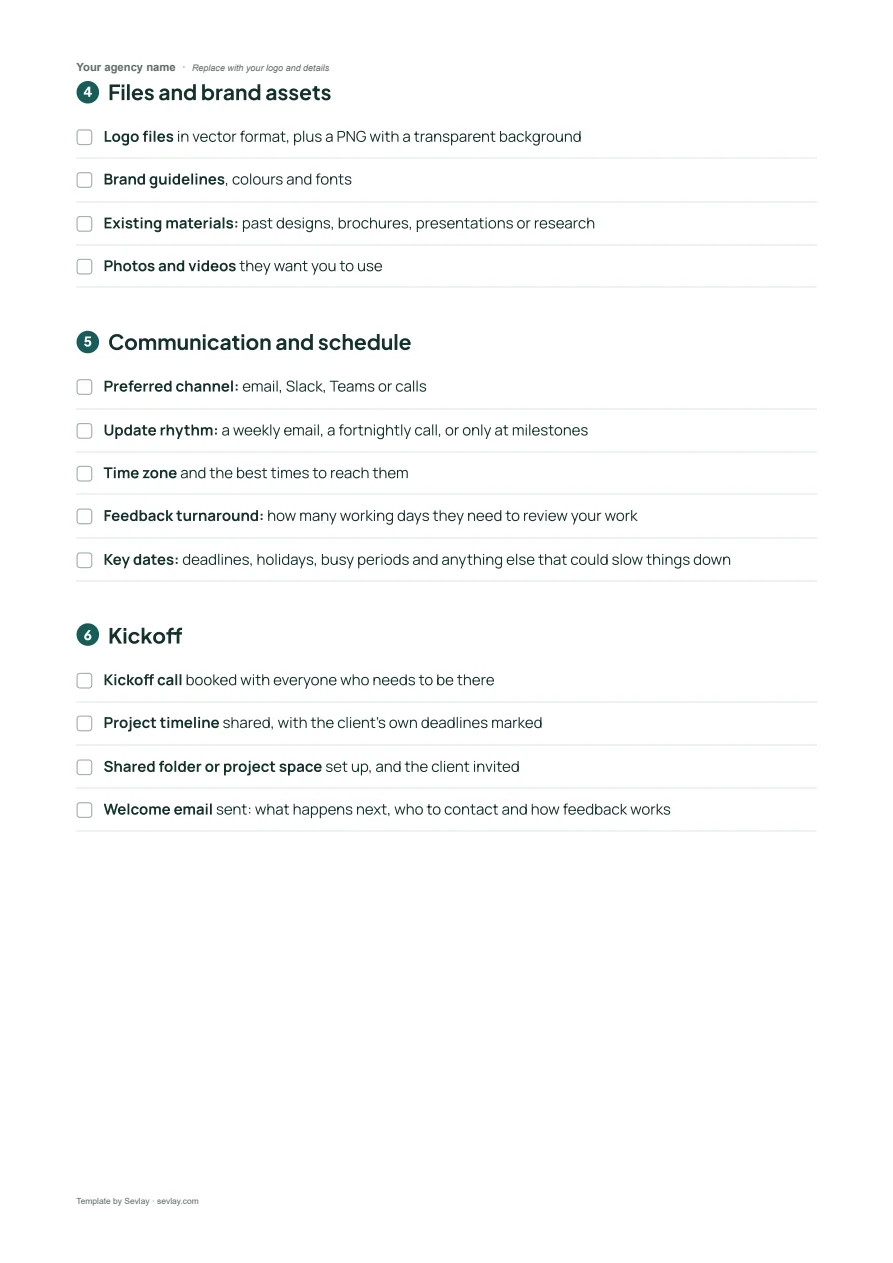
Files and brand assets
- Logo files in vector format, plus a PNG with a transparent background
- Brand guidelines, colours and fonts
- Existing materials: past designs, brochures, presentations or research
- Photos and videos they want you to use
Communication and schedule
- Preferred channel: email, Slack, Teams or calls
- Update rhythm: a weekly email, a fortnightly call, or only at milestones
- Time zone and the best times to reach them
- Feedback turnaround: how many working days they need to review your work
- Key dates: deadlines, holidays, busy periods and anything else that could slow things down
Kickoff
- Kickoff call booked with everyone who needs to be there
- Project timeline shared, with the client's own deadlines marked
- Shared folder or project space set up, and the client invited
- Welcome email sent: what happens next, who to contact and how feedback works
Get it as an editable Word file, ready for your logo.
Frequently asked questions
What should a client onboarding checklist include?
The signed contract and deposit, billing details, the main contact and final approver, access to the accounts you'll work in, brand files, how the client wants to communicate, and a booked kickoff call.
When does client onboarding start?
As soon as the contract is signed. Work through the checklist between the signature and the kickoff call, so the project starts with access and files already in place.
How should clients share passwords during onboarding?
Ask them to invite you as a user wherever the tool allows it, or share logins through a password manager. Never ask clients to email passwords.
Can I use this checklist inside Sevlay?
Yes. Client onboarding is a ready-made request template in Sevlay. Your client fills in contacts, access and files through one link, with automatic reminders until it's done.
Time to start every client relationship organised.