 Sevlay
Free SEO Client Questionnaire Template
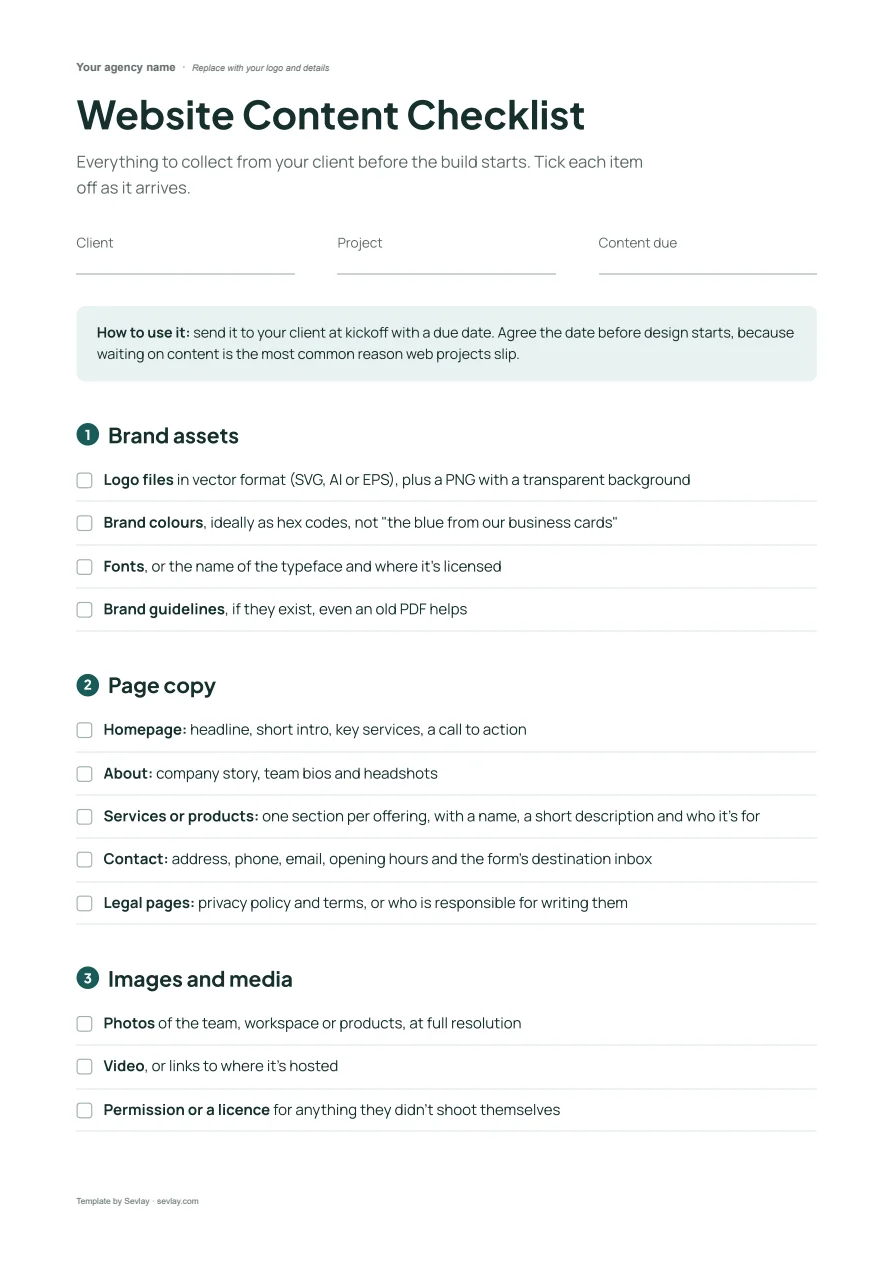
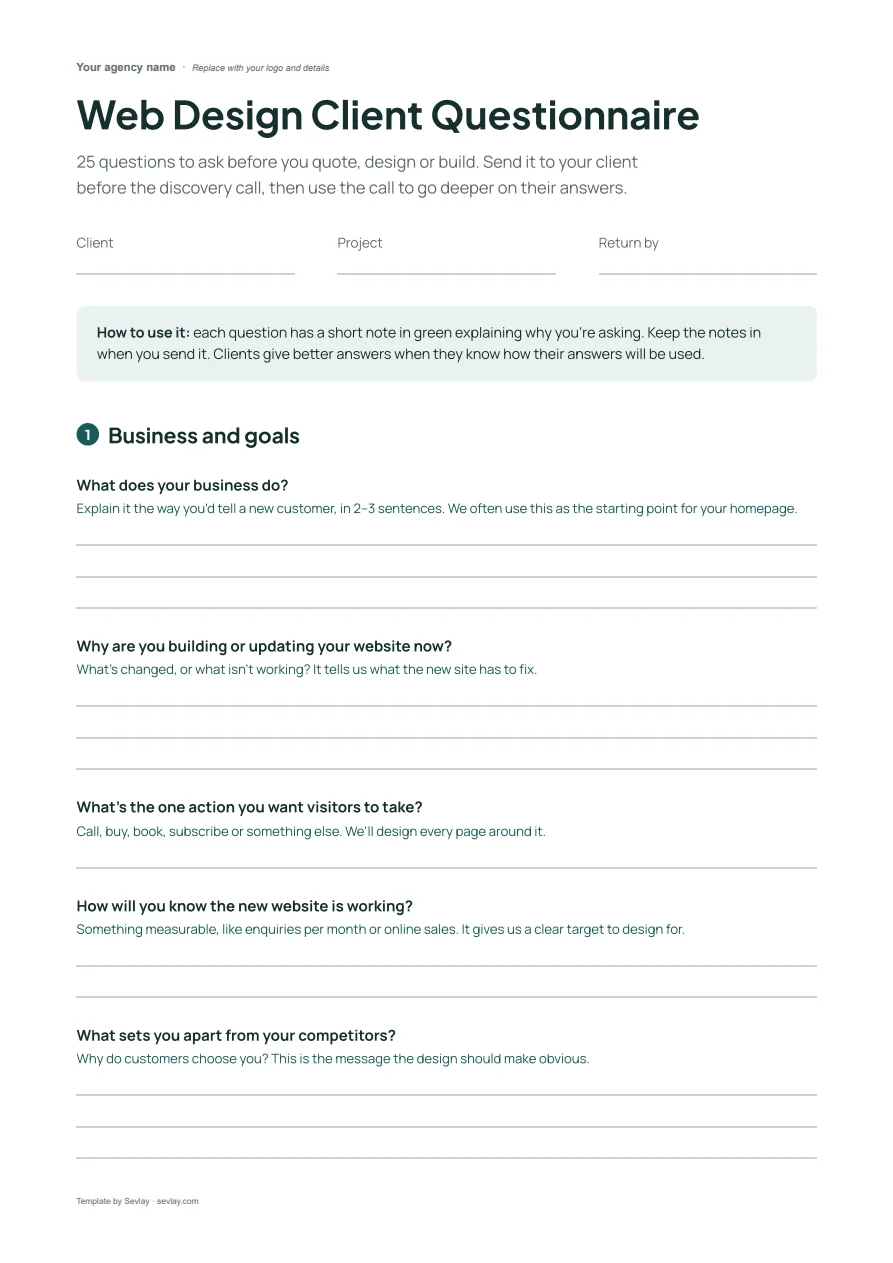
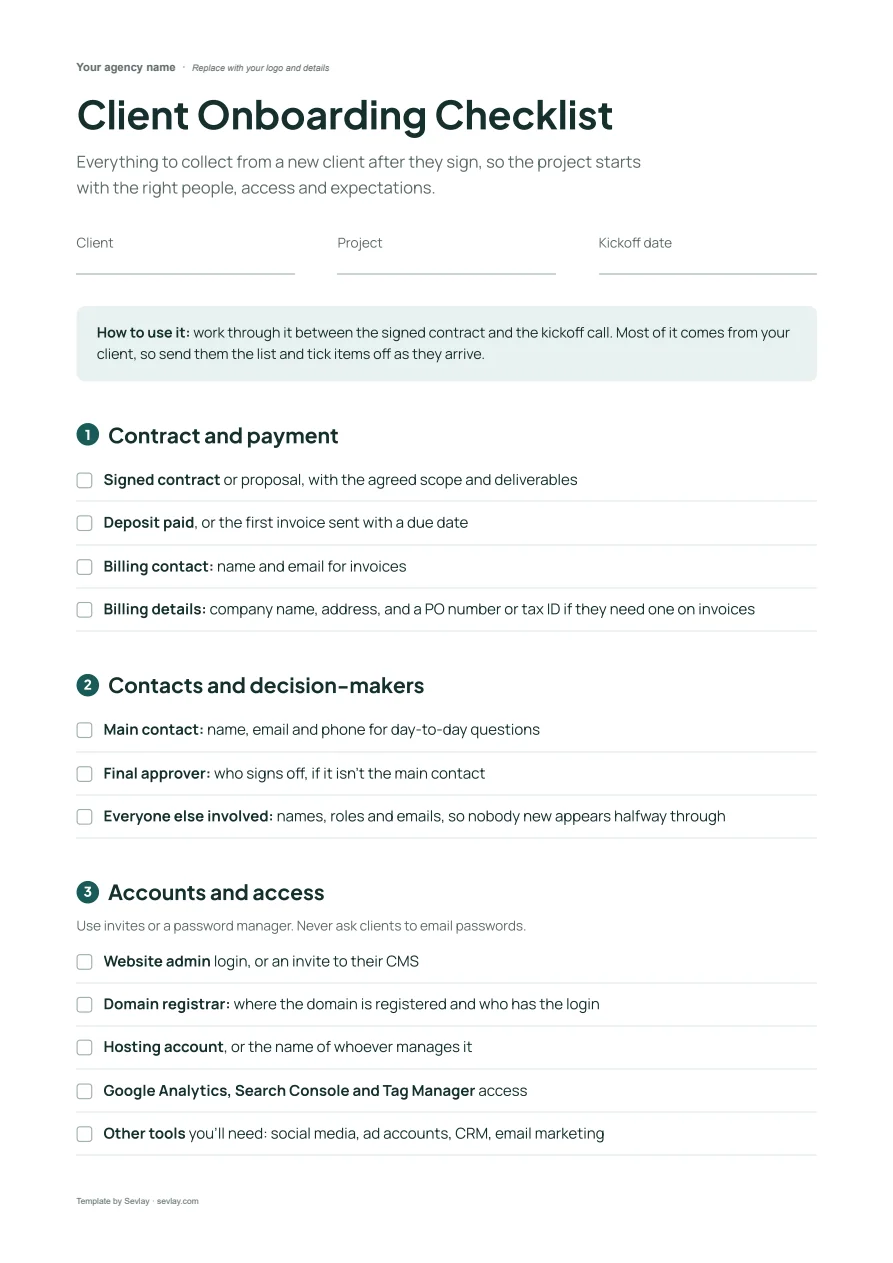
Collect goals, keywords, competitors and the access you need from every new SEO client, before you start the work.
Free Word template · 21 questions · Access checklist included
Free to use with every client. Opens in Word, Google Docs and Pages, with space for your logo.
Use this template in Sevlay instead.
Send it as one link your client fills in. Free for 14 days, no credit card required.
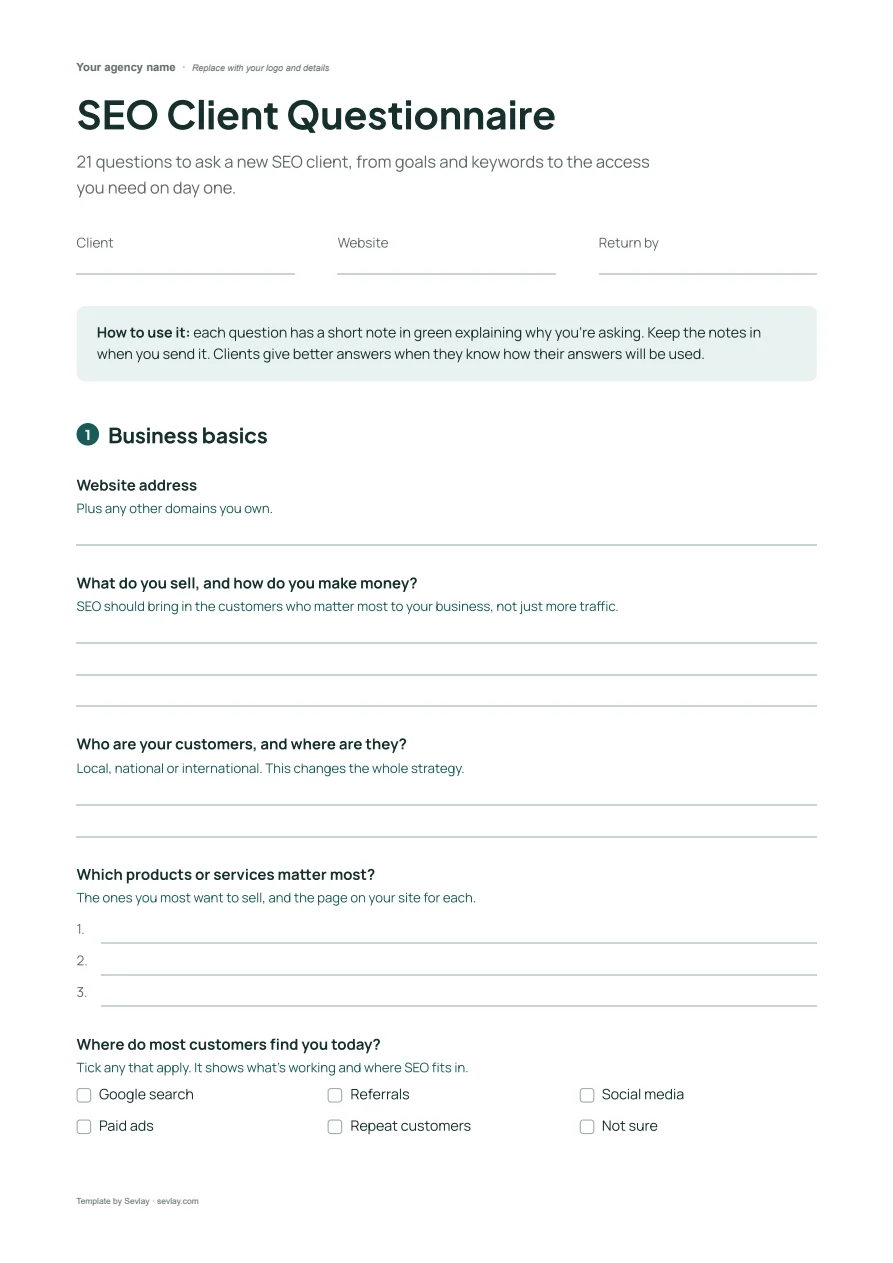
This SEO client questionnaire includes questions on:
- Business basics
- Goals and keywords
- Competitors
- Site history and setup
- Access to Analytics and Search Console
Start SEO work on day one, not week three.
Most SEO projects start slowly. You're waiting on Search Console access, guessing at keywords and finding out about an old penalty a month in.
This questionnaire covers what you need before you start: goals, keywords, competitors, past SEO work and every account you'll need access to.
Download it and send it to your next SEO client.
The 21 questions in the SEO client questionnaire
21 questions to ask a new SEO client, from goals and keywords to the access you need on day one.
Business basics
Website address
Plus any other domains you own.
What do you sell, and how do you make money?
SEO should bring in the customers who matter most to your business, not just more traffic.
Who are your customers, and where are they?
Local, national or international. This changes the whole strategy.
Which products or services matter most?
The ones you most want to sell, and the page on your site for each.
Where do most customers find you today?
Tick any that apply. It shows what's working and where SEO fits in.
Options: Google search · Referrals · Social media · Paid ads · Repeat customers · Not sure
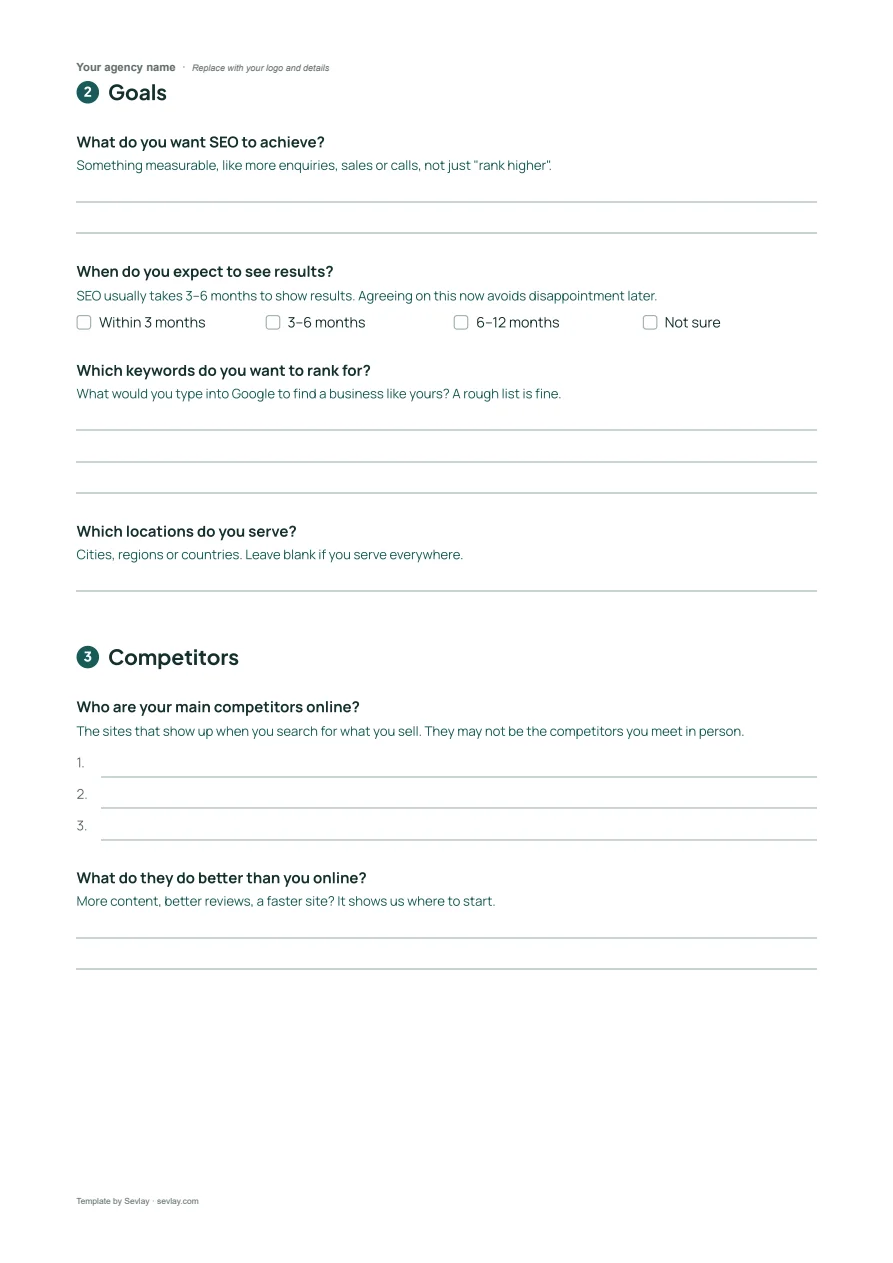
Goals
What do you want SEO to achieve?
Something measurable, like more enquiries, sales or calls, not just "rank higher".
When do you expect to see results?
SEO usually takes 3–6 months to show results. Agreeing on this now avoids disappointment later.
Options: Within 3 months · 3–6 months · 6–12 months · Not sure
Which keywords do you want to rank for?
What would you type into Google to find a business like yours? A rough list is fine.
Which locations do you serve?
Cities, regions or countries. Leave blank if you serve everywhere.
Competitors
Who are your main competitors online?
The sites that show up when you search for what you sell. They may not be the competitors you meet in person.
What do they do better than you online?
More content, better reviews, a faster site? It shows us where to start.
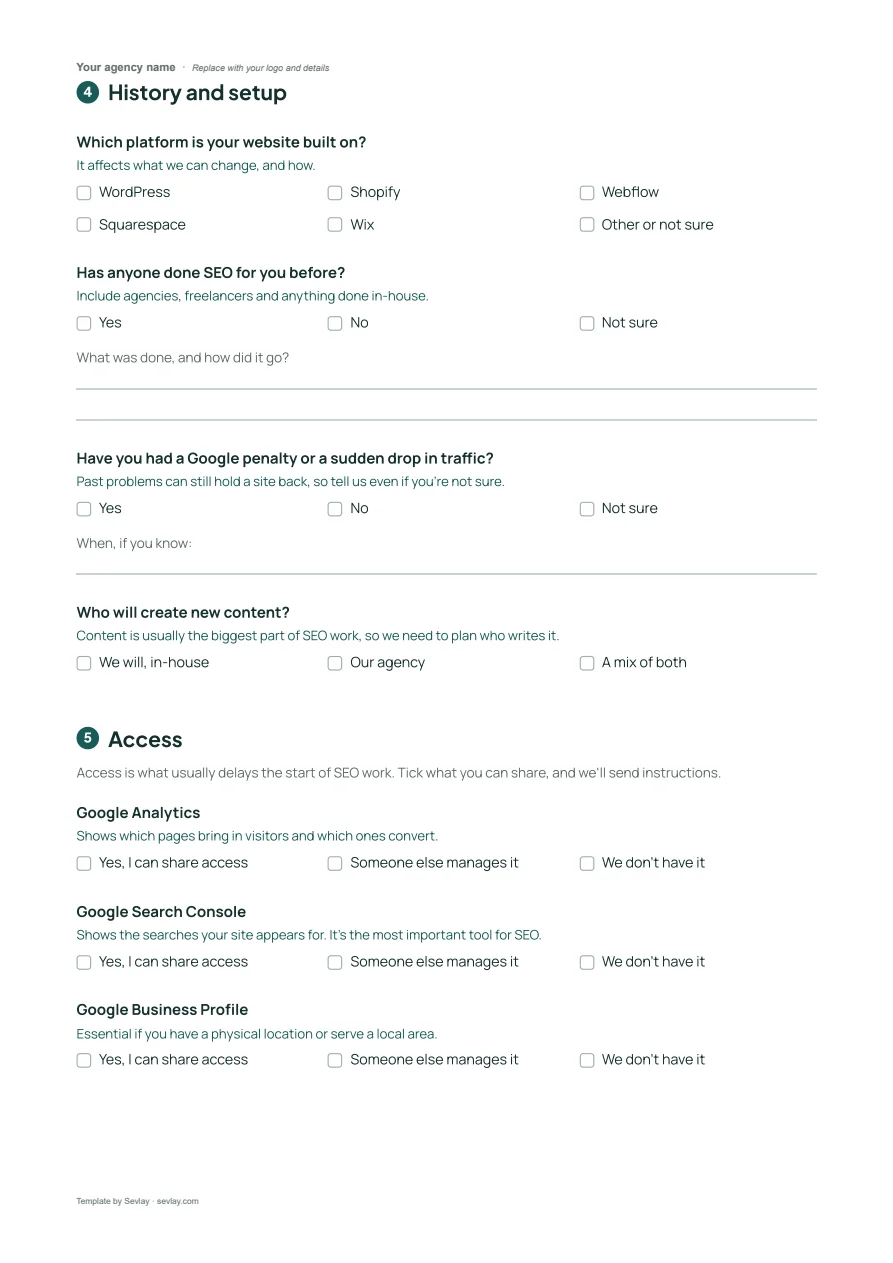
History and setup
Which platform is your website built on?
It affects what we can change, and how.
Options: WordPress · Shopify · Webflow · Squarespace · Wix · Other or not sure
Has anyone done SEO for you before?
Include agencies, freelancers and anything done in-house.
Options: Yes · No · Not sure
Have you had a Google penalty or a sudden drop in traffic?
Past problems can still hold a site back, so tell us even if you're not sure.
Options: Yes · No · Not sure
Who will create new content?
Content is usually the biggest part of SEO work, so we need to plan who writes it.
Options: We will, in-house · Our agency · A mix of both
Access
Access is what usually delays the start of SEO work. Tick what you can share, and we'll send instructions.
Google Analytics
Shows which pages bring in visitors and which ones convert.
Options: Yes, I can share access · Someone else manages it · We don't have it
Google Search Console
Shows the searches your site appears for. It's the most important tool for SEO.
Options: Yes, I can share access · Someone else manages it · We don't have it
Google Business Profile
Essential if you have a physical location or serve a local area.
Options: Yes, I can share access · Someone else manages it · We don't have it
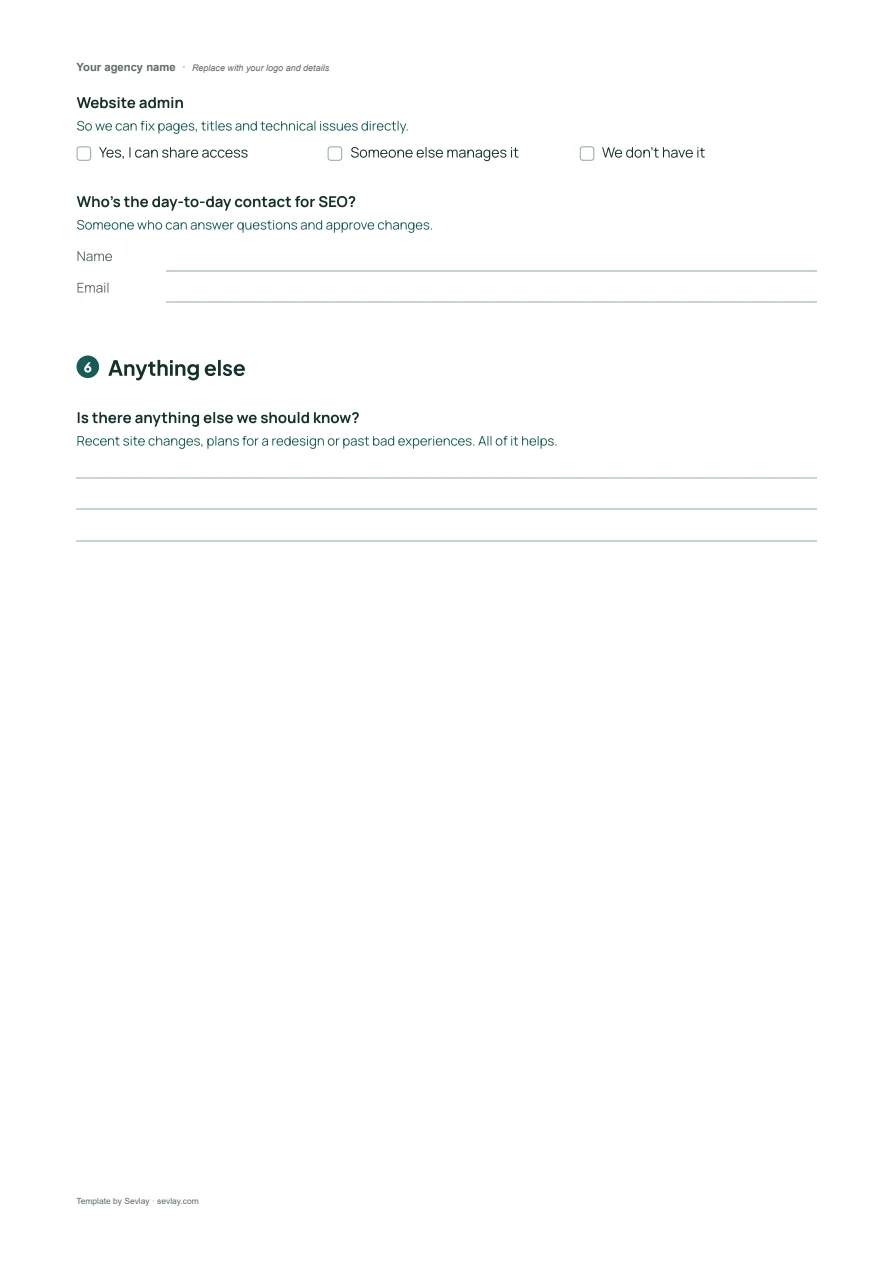
Website admin
So we can fix pages, titles and technical issues directly.
Options: Yes, I can share access · Someone else manages it · We don't have it
Who's the day-to-day contact for SEO?
Someone who can answer questions and approve changes.
Anything else
Is there anything else we should know?
Recent site changes, plans for a redesign or past bad experiences. All of it helps.
Get it as an editable Word file, ready for your logo.
Frequently asked questions
What should I ask a new SEO client?
What they sell and to whom, which products matter most, what they want SEO to achieve, the keywords and locations they care about, who they compete with online, past SEO work or penalties, and who will write new content.
What access do I need from an SEO client?
Google Analytics, Google Search Console, Google Business Profile if they serve a local area, and admin access to the website. Ask for it before the project starts, because waiting on access is what usually delays SEO work.
How do I set expectations with a new SEO client?
Ask when they expect to see results and agree on a measurable goal, like enquiries or sales, rather than “rank higher”. SEO usually takes 3–6 months to show results.
Can I use this questionnaire inside Sevlay?
Yes. SEO intake is a ready-made request template in Sevlay. Your client answers through one link and shares access details in the same place.
Time to start every SEO project with everything you need.